How to create a new RSS Feed on Zoho Social?
1. Click on the Posts tab on your dashboard.
2. Now, click on the RSS Feeds under Content Library.
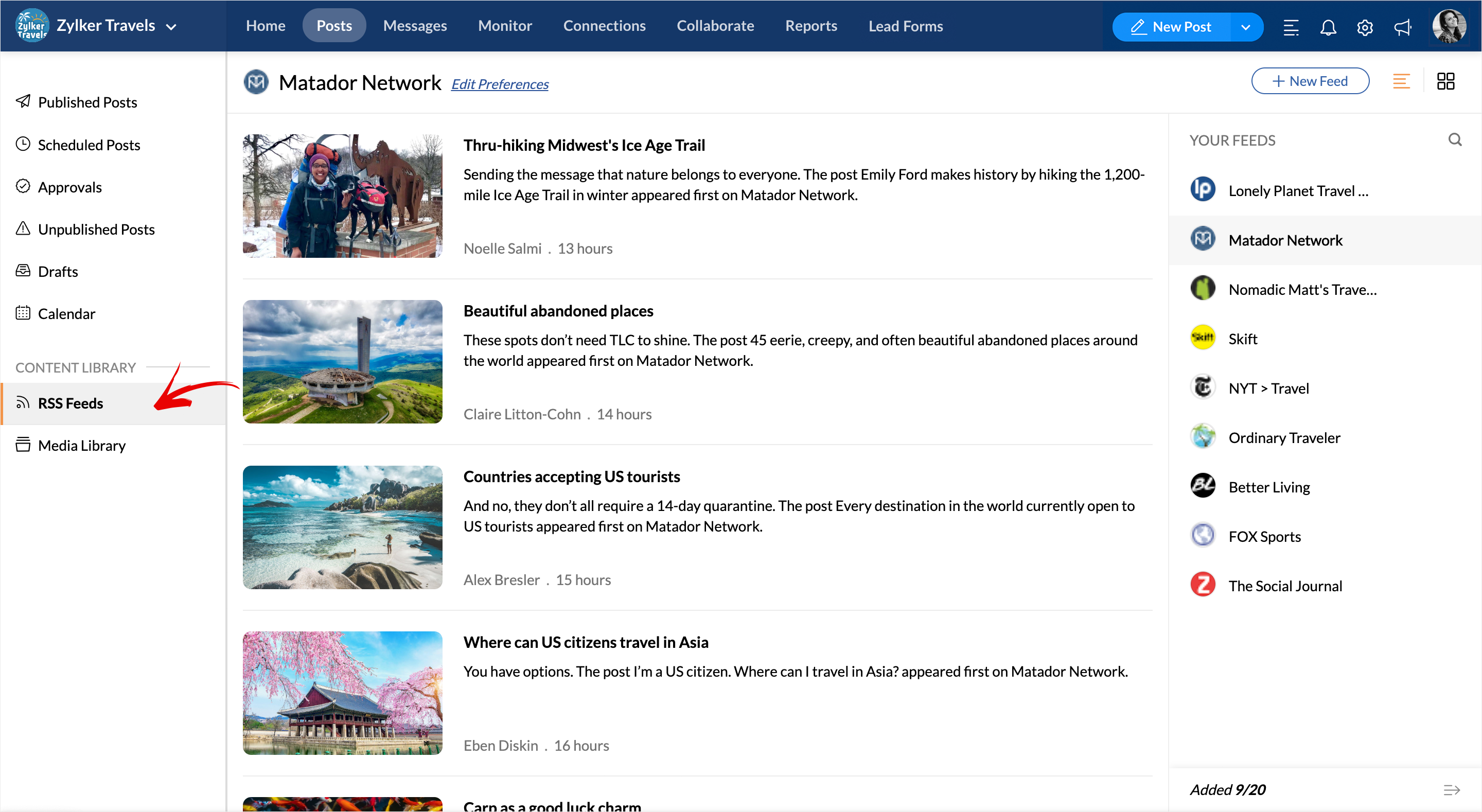
3. Click on the +New Feed button on the top right corner.
4. Type the name of the Website or Paste the Feed link in the search bar or upload a .OPML/.XML file to get started. Hit the Add button to include the new Feed.

You can add up to a maximum of 10 Feeds if you're on the Professional Plan under the 'Your Feeds' column and up to 20 Feeds if you're on the Premium, Agency, or Agency Plus plans.
Related Articles
RSS Feeds
RSS Feeds is a one-stop solution if you consume new content and updates from specific websites that you follow. With the RSS Feeds Dashboard on Zoho Social, you can curate a stream of new content which you like to read delivered straight to you, and ...How to generate/create an RSS Feed link from a website?
When you type out or paste a website URL, RSS Feeds will automatically suggest the Add Feed option for that website. In case you don't see an auto Add button, do the following: 1. Go to the website you want to get the feed link for. 2. Now, right ...How to customize your Feed using Edit Preferences?
While curating your content, you can add a placeholder text prefixing your post content and some hashtags as a suffix to follow your post. For example: Adding the text "Check out our new blog." prefixing any post that goes our from your website ...How to delete a Feed?
1. To delete a Feed, hover over the Feed and click the bin icon-Remove. 2. Now, hit the Delete button to remove the feed from the Your Feeds column.How many RSS Feeds can I add?
You can include a maximum of 10 Feeds if you're on the Professional Plan under the 'Your Feeds' column and up to 20 Feeds if you're on the Premium, Agency, or Agency Plus plans.