How to schedule a Retweet from your Notifications?
1. Click on the Notifications icon (the bell icon) on the top right corner of your screen.
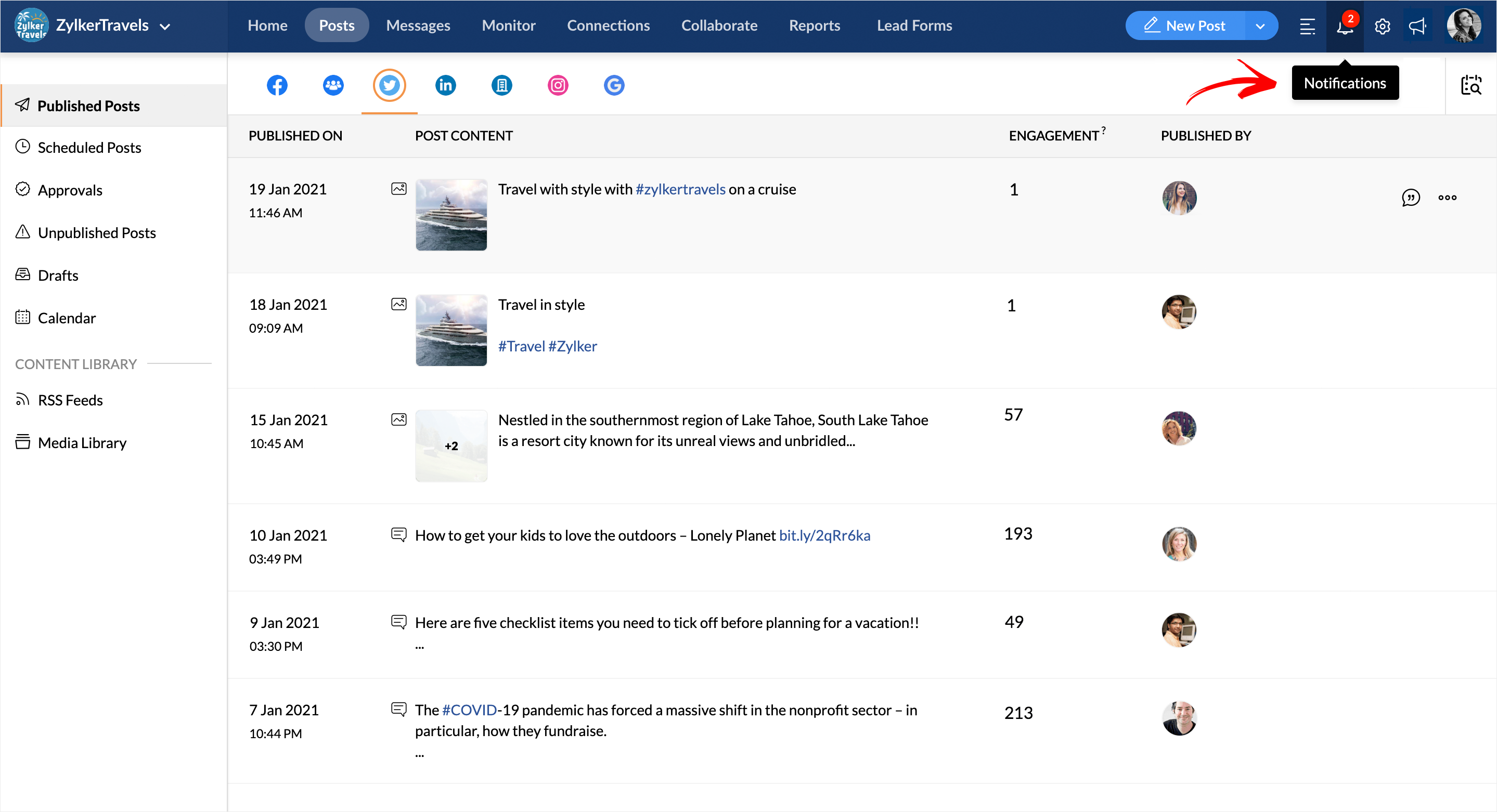
2. Select a Twitter notification from the drop-down and click to view details. From here click the Retweet option.
3. From the Publishing Window that opens up, you will get a preview of your selected Tweet. Here you can go about adding a comment or quote for your Retweet.
4. Click on the Retweet button to post instantly or you can choose to schedule it for a later date based on your preference from the list of all publishing options available.
Related Articles
Scheduling Retweets
With Zoho Social, you can now not only schedule your Tweets but also schedule your Retweets. Set any desired date and time, choose Tweets from anywhere within your Zoho Social dashboard, and schedule away your retweets! When scheduling Retweets ...What are the publishing options available while scheduling a Retweet?
Zoho Social has multiple scheduling options with which you can plan and set your retweet for a later date. They are: 1. Retweet Now - Choose this option to publish your Retweet instantly. 2. Schedule for a Specific Date - This will help you schedule ...How to schedule a Retweet from the Posts tab?
To schedule a Retweet from the Posts tab, follow the steps given below. 1. Tap on the Posts tab on your Dashboard and click on the Published Posts option. 2. Click on Twitter from the list of all the social channels displayed. 3. Select a Tweet and ...How to schedule a Retweet from the Monitor tab?
1. Click on the Monitor tab on your Dashboard to view all your Twitter columns. Select the Retweet option under any Tweet of your choice. This will prompt-open the Publishing Window with a preview of your selected Tweet. 2. In the publishing ...Instagram Publishing
Publishing and Scheduling Posts Instagram posts can be published in the following ways on Zoho Social: Direct publishing from Zoho Social Publishing via Zoho Social (Mobile App) + Instagram App This is determined by the type of Instagram Profile you ...