Choosing a Form Template
It is always easier to change an existing template than to start one from scratch. Unless you have a very specific need, we suggest choosing a template from our gallery.
To choose a template for your signup forms:
- From the navigation toolbar, select Contacts and choose Manage Lists.
- Select the mailing list, for which you want to create a signup form.
- Click Forms subtab.
- Click Create Signup Form.
- Click Choose Template.
- Choose any template from one of the types of forms.
If you have already created a signup form, you can create another one by following the steps below:
- From the navigation toolbar, select Contacts and choose Manage Lists.
- Select the mailing list for which you want to create a signup form.
- Click the icon in the top-right corner and click Signup Form.
Alternatively:
- From the navigation toolbar, select Contacts and choose Signup Forms.
- Click Create New.
- Give a name to your signup form for your reference.
- Click Choose Template to select a template for your form.
- Associate a mailing list with your form to add the contacts signing up via the form.
- Click Edit Response to setup the landing pages and emails sent in response to the form visitor's reaction.
Learn how you can setup the signup response pages and emails.

Note
If you do not find the "create signup form" option in the Mailing List section, it means the sign up process has been disabled for that mailing list.
To enable signup form:
- From the Navigation toolbar, select Contacts and choose Manage Lists.
- Select the desired mailing list and click the More button in the top-right corner of the page.
- Click Edit List from the dropdown option.
- Click the Change link and allow signup form subscriptions for the mailing list.
- Click Save.
Select Form
This is the first phase of sign-up form creation and you can select a sign-up form based on your requirements.
Embedded Forms
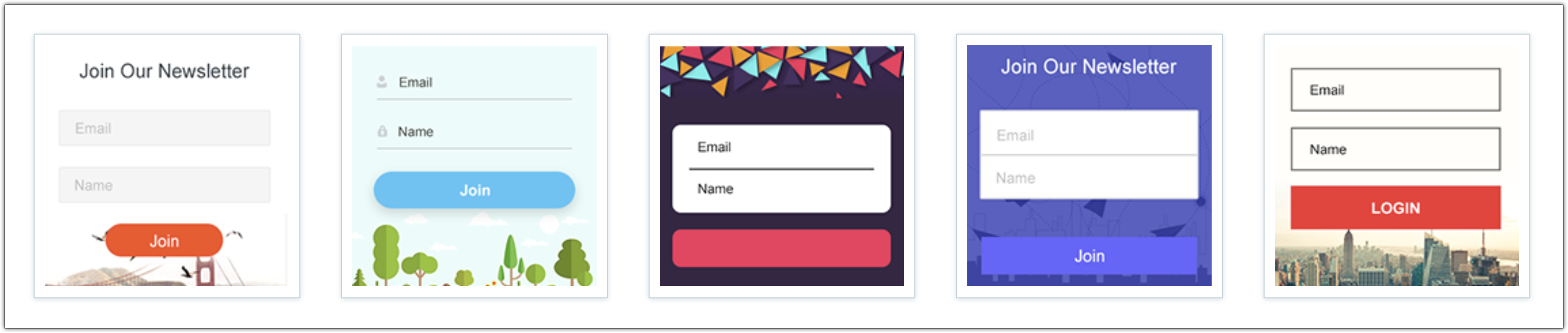
These are short and concise forms that meet the basic subscription standards, using fields such as 'name' and 'email address'. Embedded forms come in three types:
Compact Forms
If you're a minimalist, this form is for you. This form only contains basic fields such as 'email address' and 'name'.
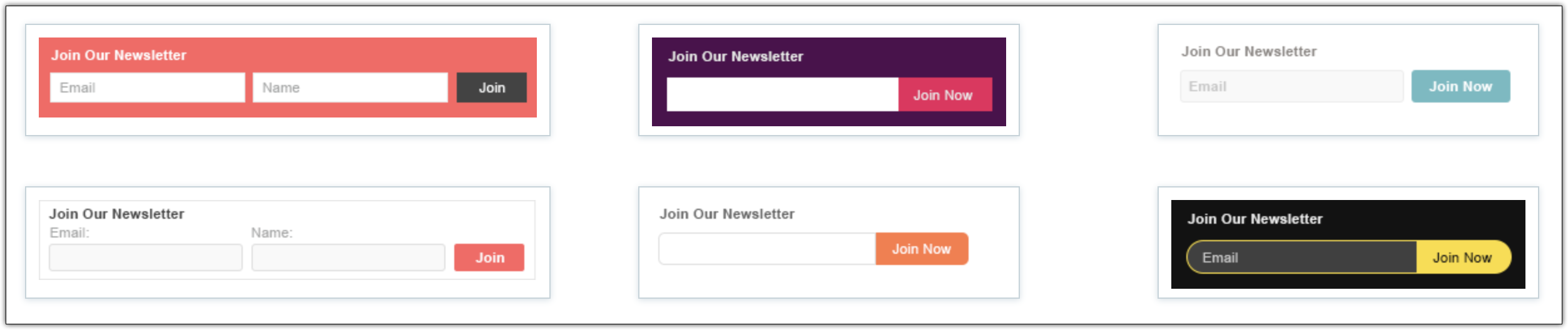
Banner Forms
If your webpage has space constraints, this is the template you need. Simple horizontal banner-shaped forms for your pages.
Long Forms
If your website or company need more information than a bare-bones signup form will provide, our advanced signup forms can be customized to suit your brand.
Pop-up Forms
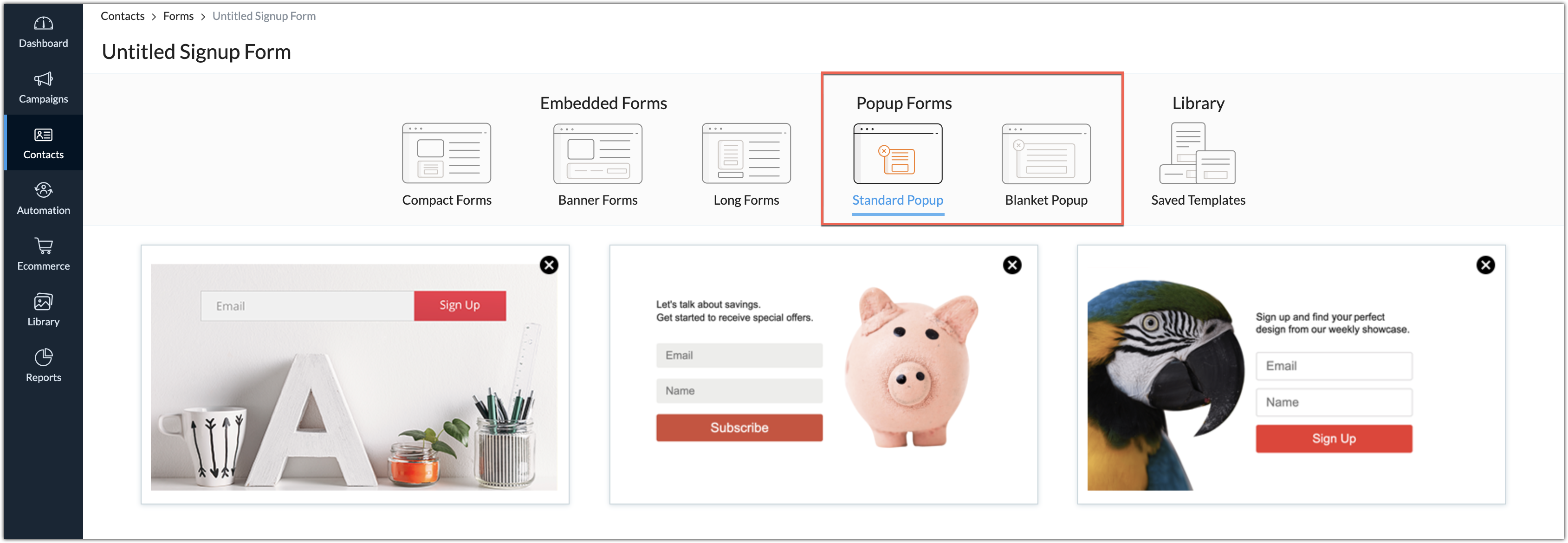
Add pop-up forms anywhere in your webpages and have them displayed to the visitors on certain conditions like at a specific time, at a specific point in the page, and more. Popup forms come in two types:
Standard Popup
Standard Popup
Choose this if you want your form to occupy a normal popup size also known as window popup.
Blanket Popup
Choose this if you want your form to pop-up to the size your page and cover your visitor's entire screen.Library
This is a repository from where you can choose a template from the ones that you've already used and saved. 
After you select a signup form template based on your requirements, we'll move on to the next topic: Customizing a signup form that resonates with your brand.
Related Articles
Template editor
The most important element for a successful email campaign is quality content. When the right content meets responsive designs, you can make sure that your email campaign is a huge success. Whether you're an expert or a beginner, Zoho Campaigns makes ...Form-based Campaigns
Integrate your Zoho Campaigns account with Zoho Forms. This is an in-house integration and does not require a separate sign in to Zoho Forms. With this integration, you can access the forms created in Zoho Forms and reach out to your users by adding ...Can I create a template from the Library module?
Yes. To create a template from the library, click Create New in the top-right corner of the Template page, and choose the type of template that you would like to create.How do I save a template I've designed to the template library?
To save templates: From the navigation toolbar, choose Library and select Templates. Click Create New and select HTML Editor from the dropdown menu. Enter the template name and click Save. Once you are in the editor, select the Edit HTML option from ...Signup Form Reports
Signup form reports lets you view details of the various contacts who have signed up for your email newsletters through your signup forms. You can use this information to target your contacts with email campaigns best suiting their need. To view ...